
Every fire panel. One screen. No fire ever hidden.
AlarmPulse Command Centre connects the fire alarm panels you already have, of any make and any age, to one control room. See every site at a glance, follow an alarm to the exact device, act on clear steps, and make sure the right people are told.
Sign in to AlarmPulse
Operators, engineers and administrators: sign in to your Command Centre.
Already signed in? Open the console →
Mixed estates, many panels, one control room
Most organisations run fire alarm panels of several makes and ages across their buildings. Each has its own display, its own software and its own way of reporting. Control rooms juggle screens, faults drown out alarms, and nobody notices when a panel quietly stops talking.
AlarmPulse puts every panel on one screen, in one language, with fire alarms always first. It reads each panel through the interface it already has, so there is nothing to replace at the panel.
*AlarmPulse lab load test, Oct 2026: simulated multi-site loop failures (150+ devices per loop) on a single PC.
See. Act. Tell. Prove.
From the first detector to the last report, one system that keeps fire alarms first.
See
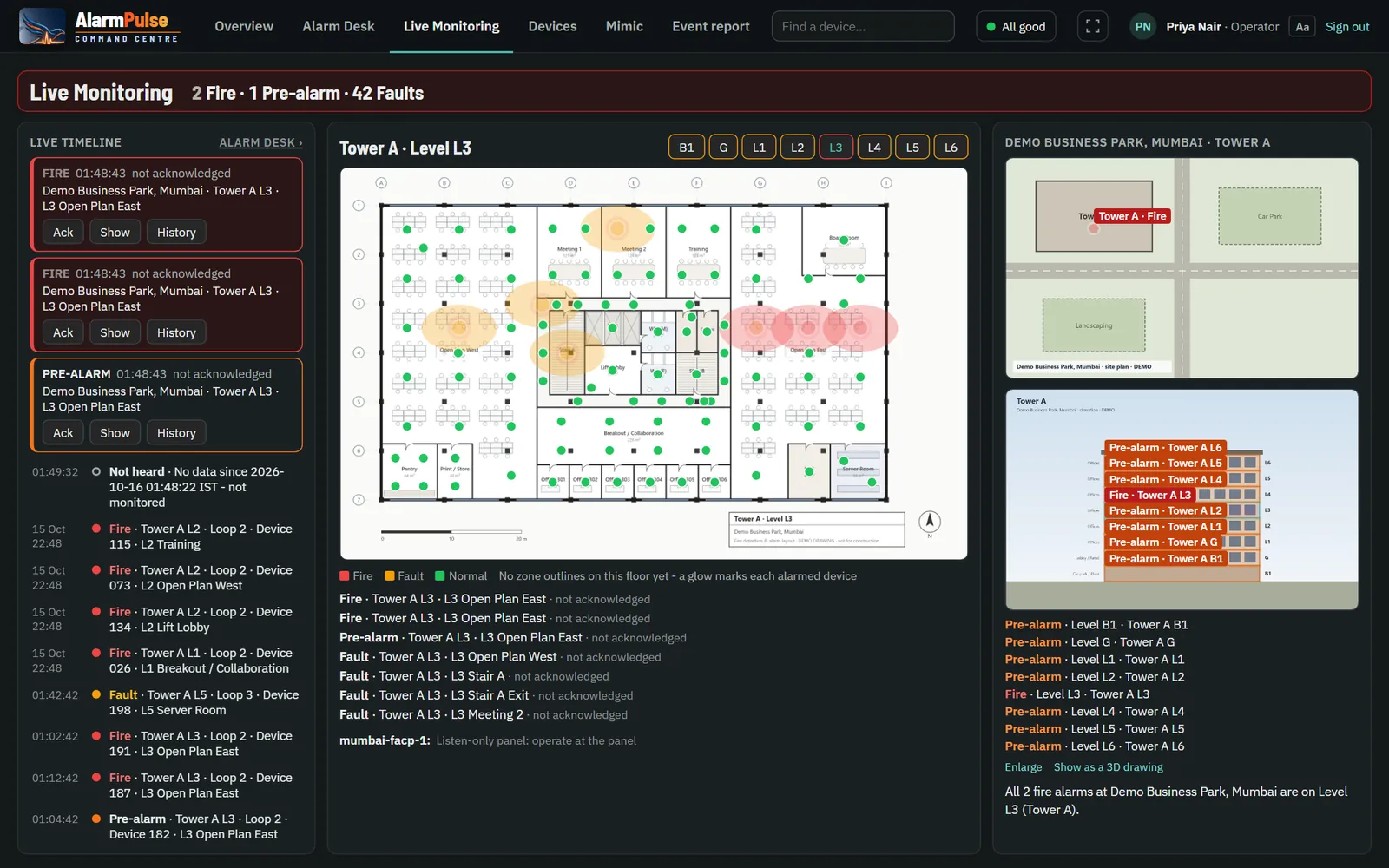
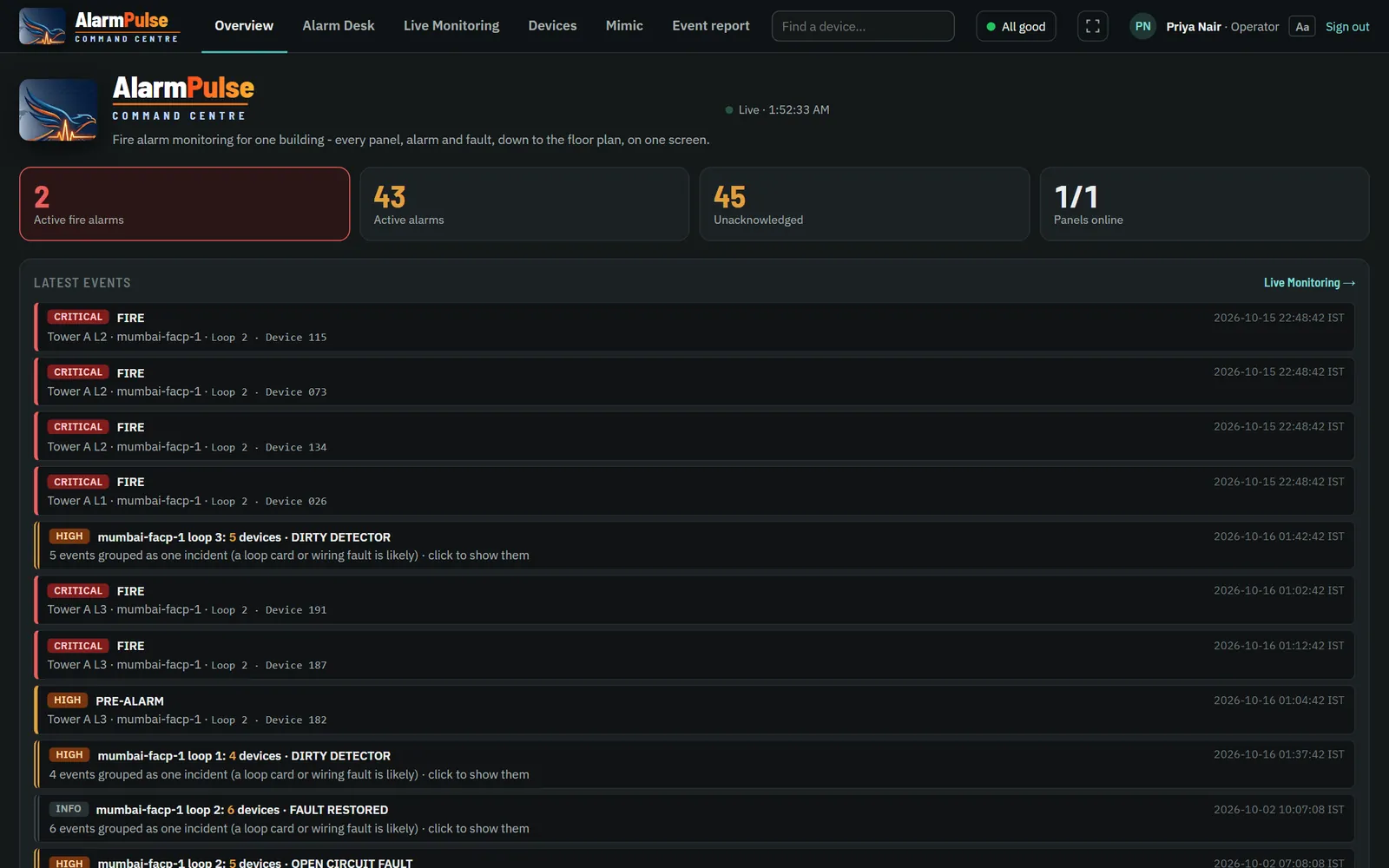
A world map of every site, worst first. The building's own drawing with floors marked, then the floor plan with each device, and one live feed across every panel.
Live Monitoring →Act
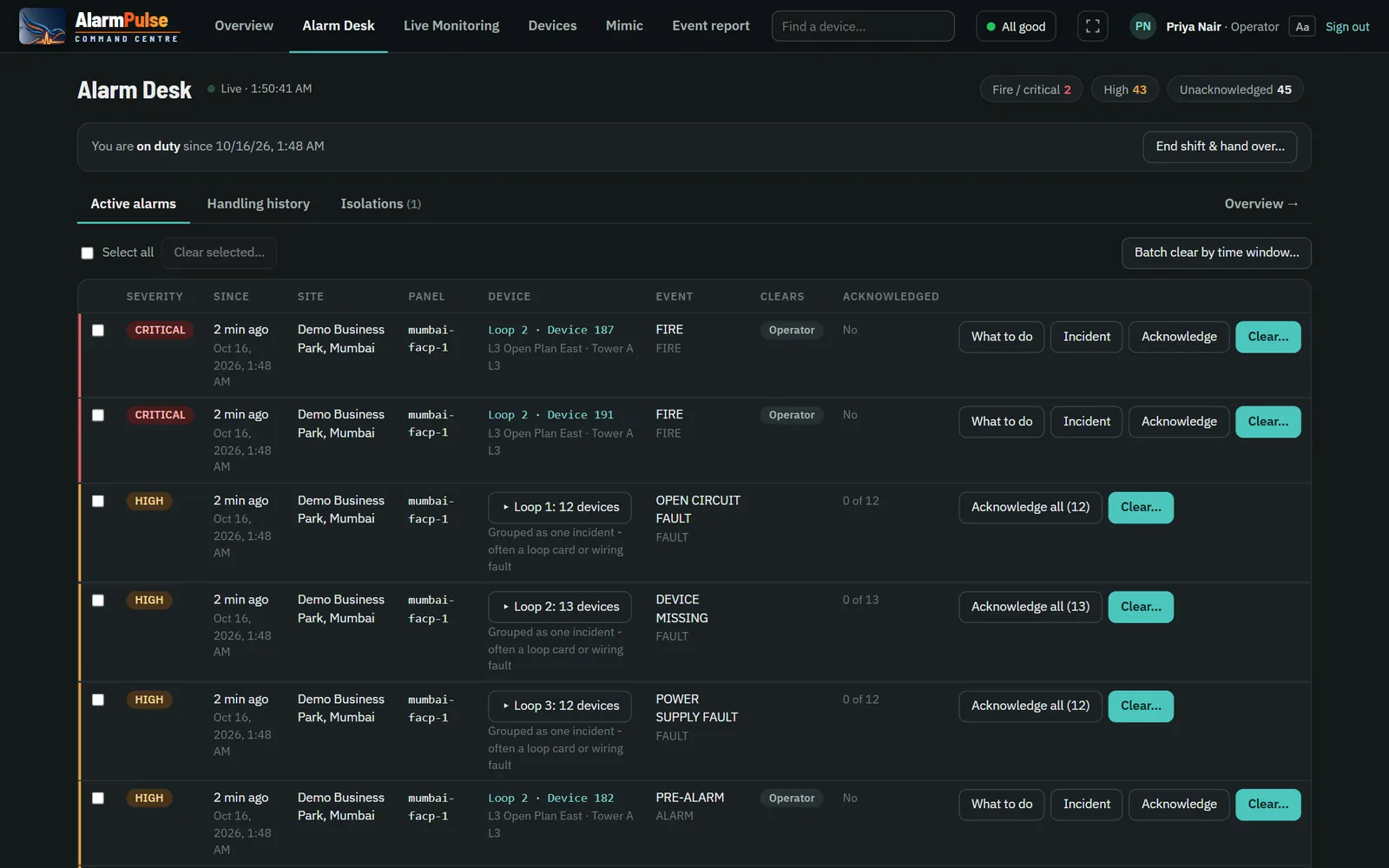
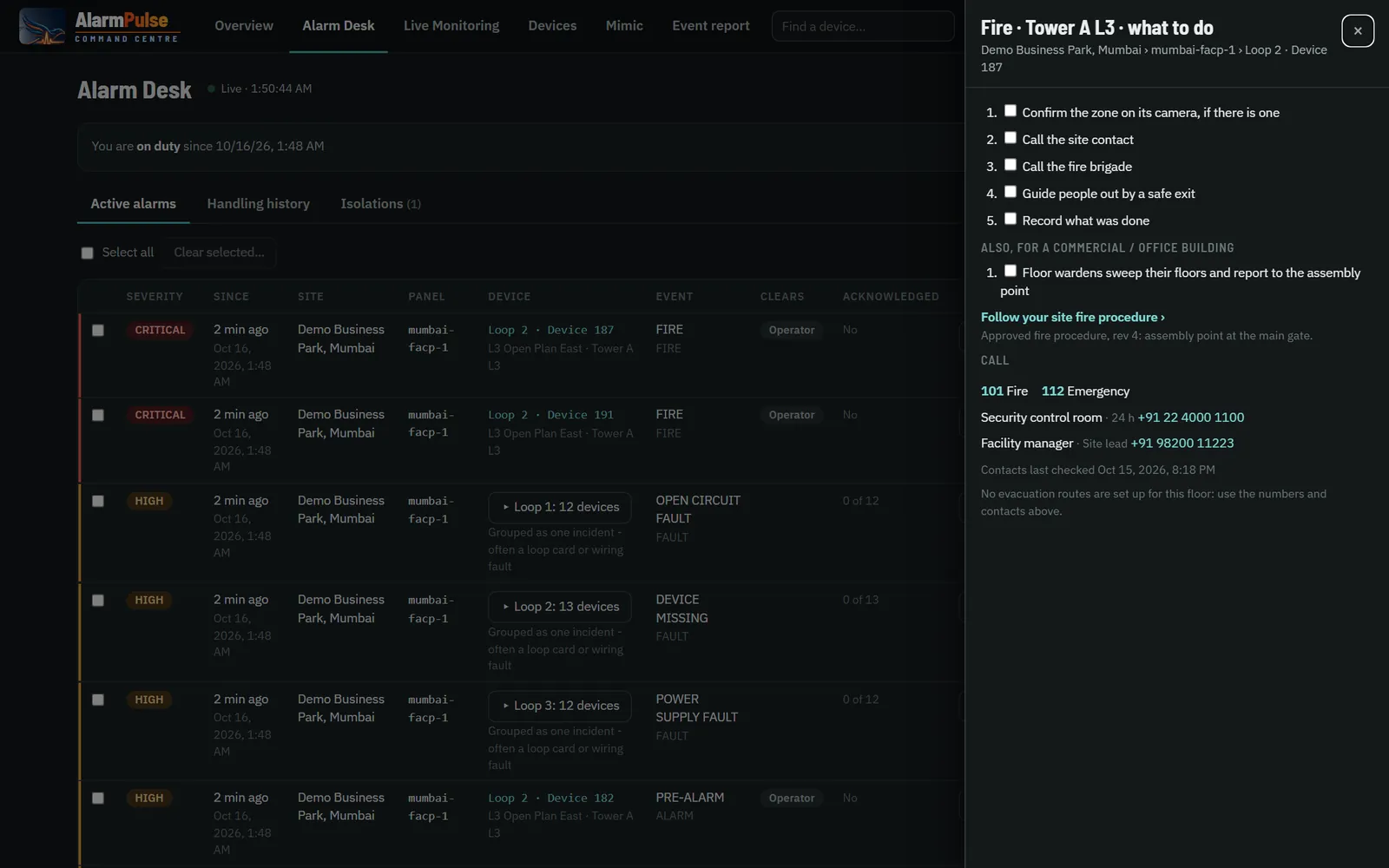
An Alarm Desk built for handling: acknowledge, clear with the outcome, record the cause. "What to do" for every alarm, and a failed loop is one incident, not 150 alarms.
Alarm Desk →Tell
Unacknowledged fires escalate to people in turn by email, Telegram, webhook or SMS gateway. Building systems read live state over Modbus TCP, BACnet/IP and MQTT.
Escalation →Prove
Every change, sign-in and action in a tamper-evident audit trail. Every outage recorded with the period nothing was heard. Reports for any period in CSV or Excel.
Devices & reports →The screens your control room will use
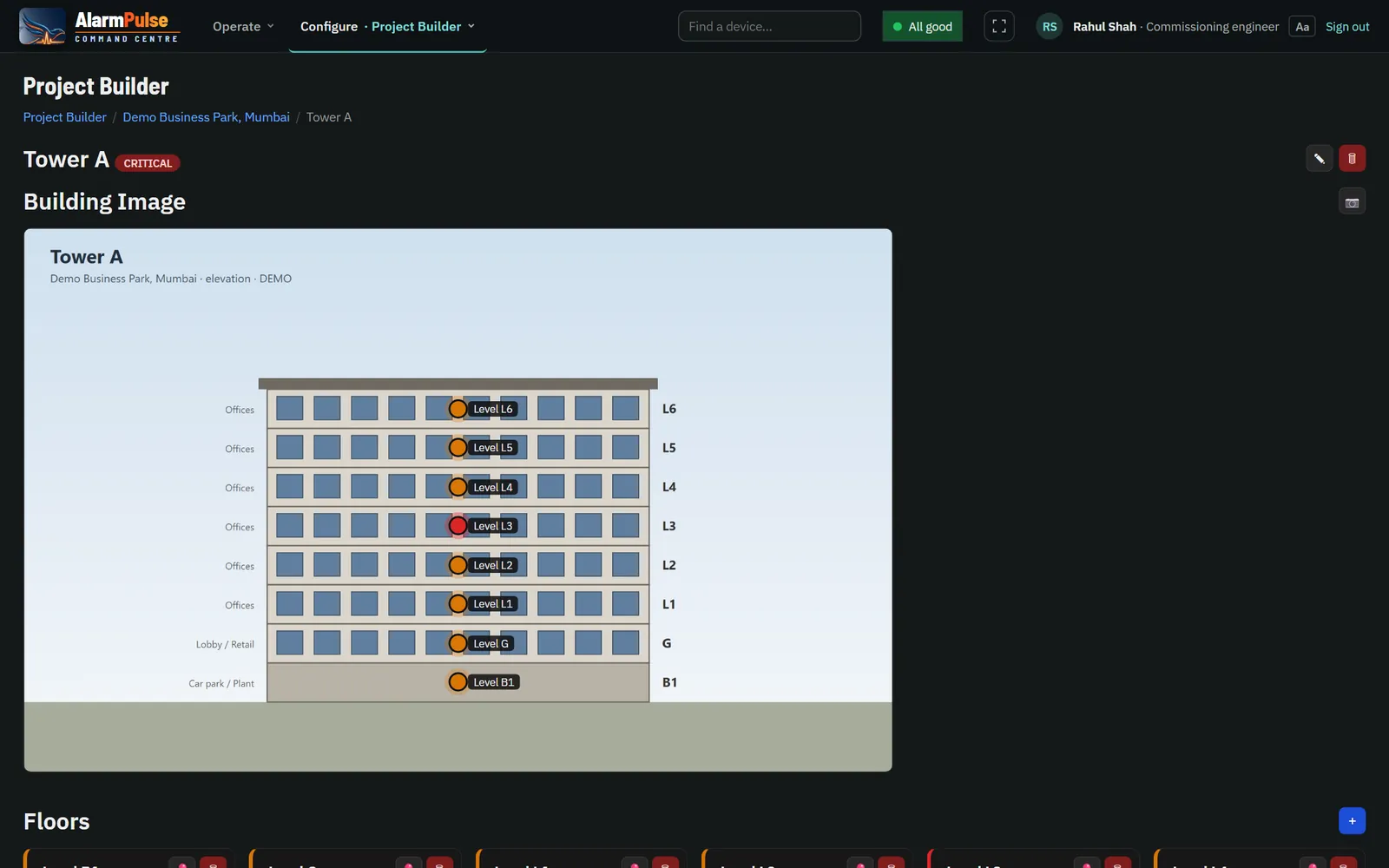
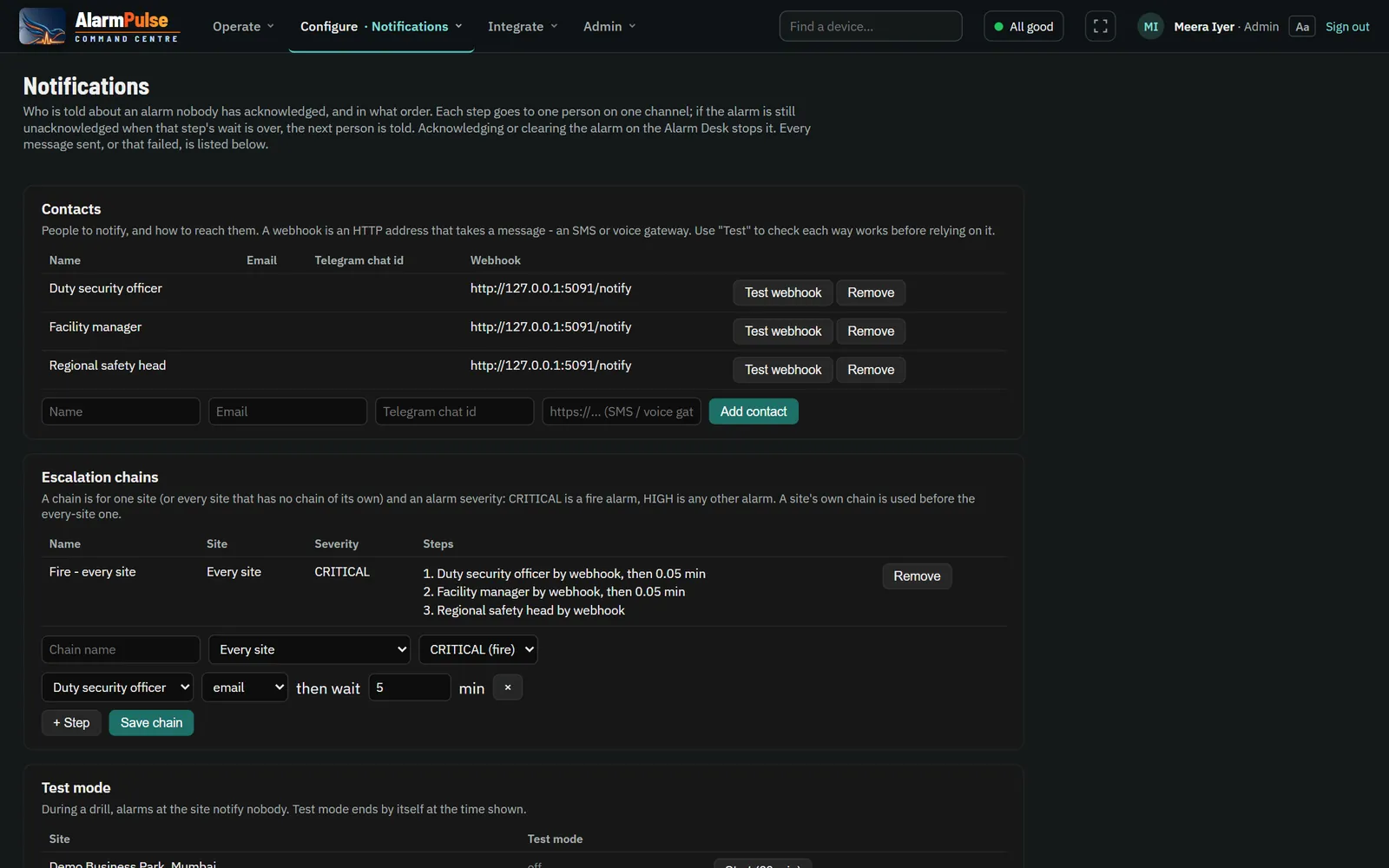
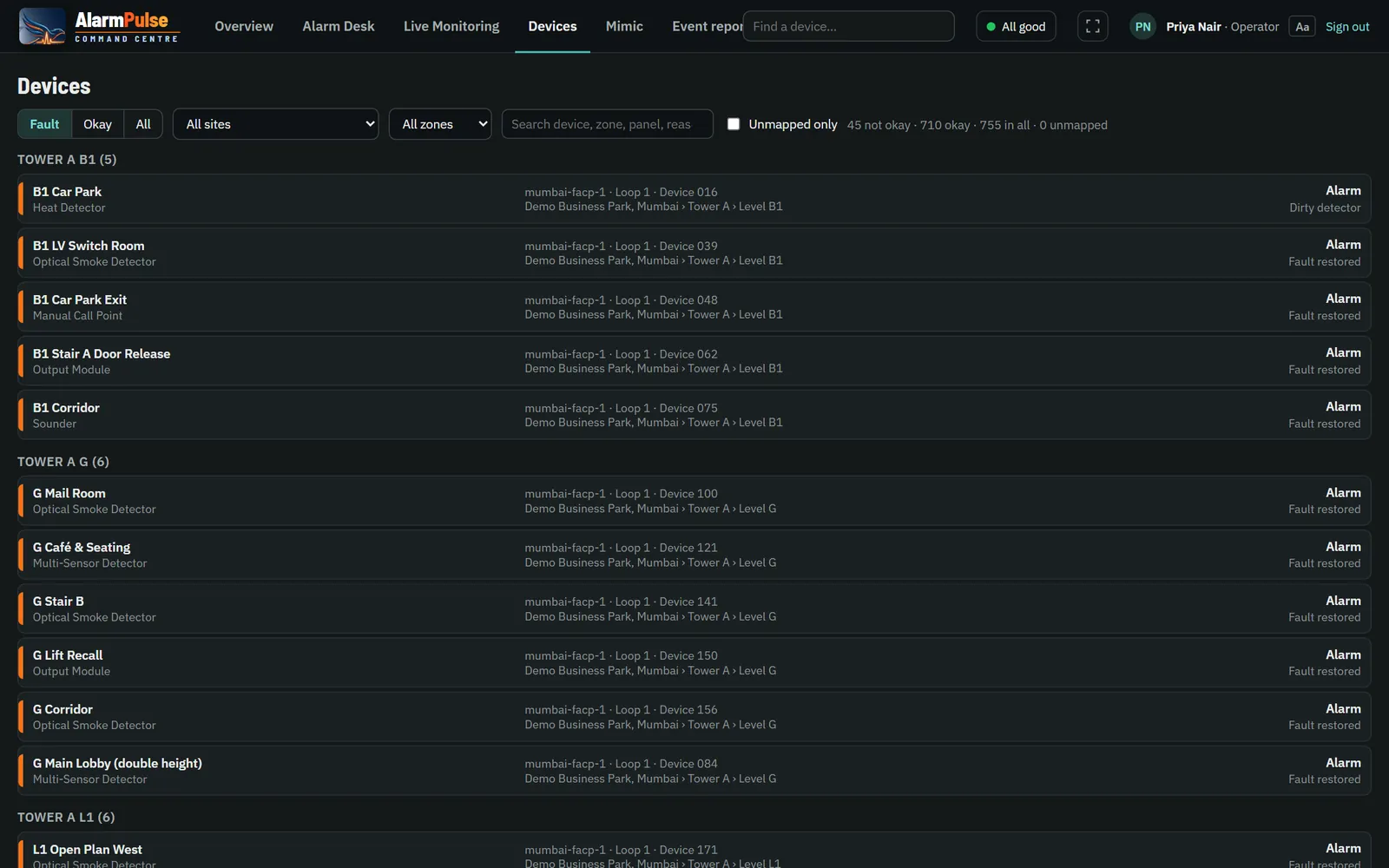
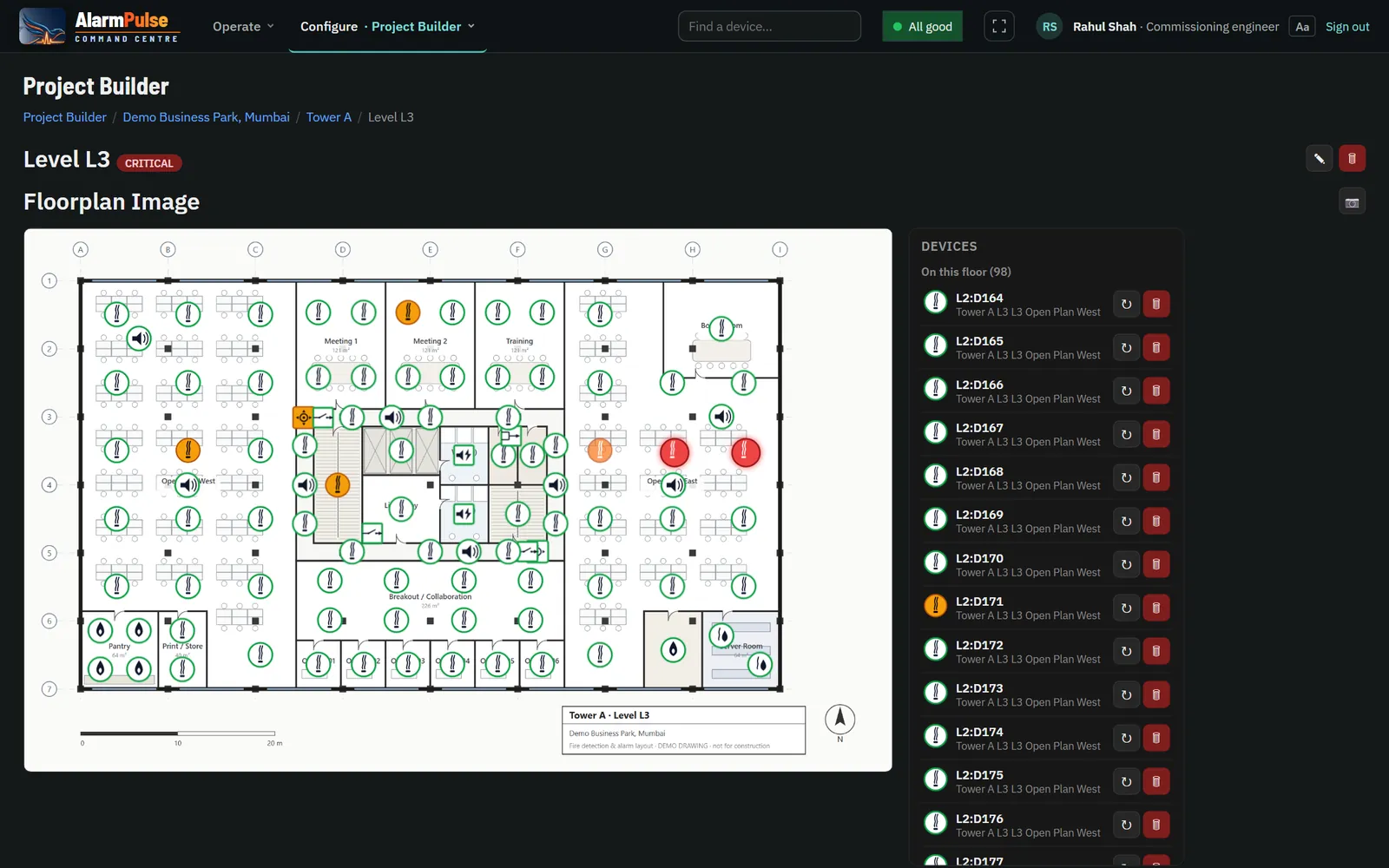
The worst failure is the one nobody sees
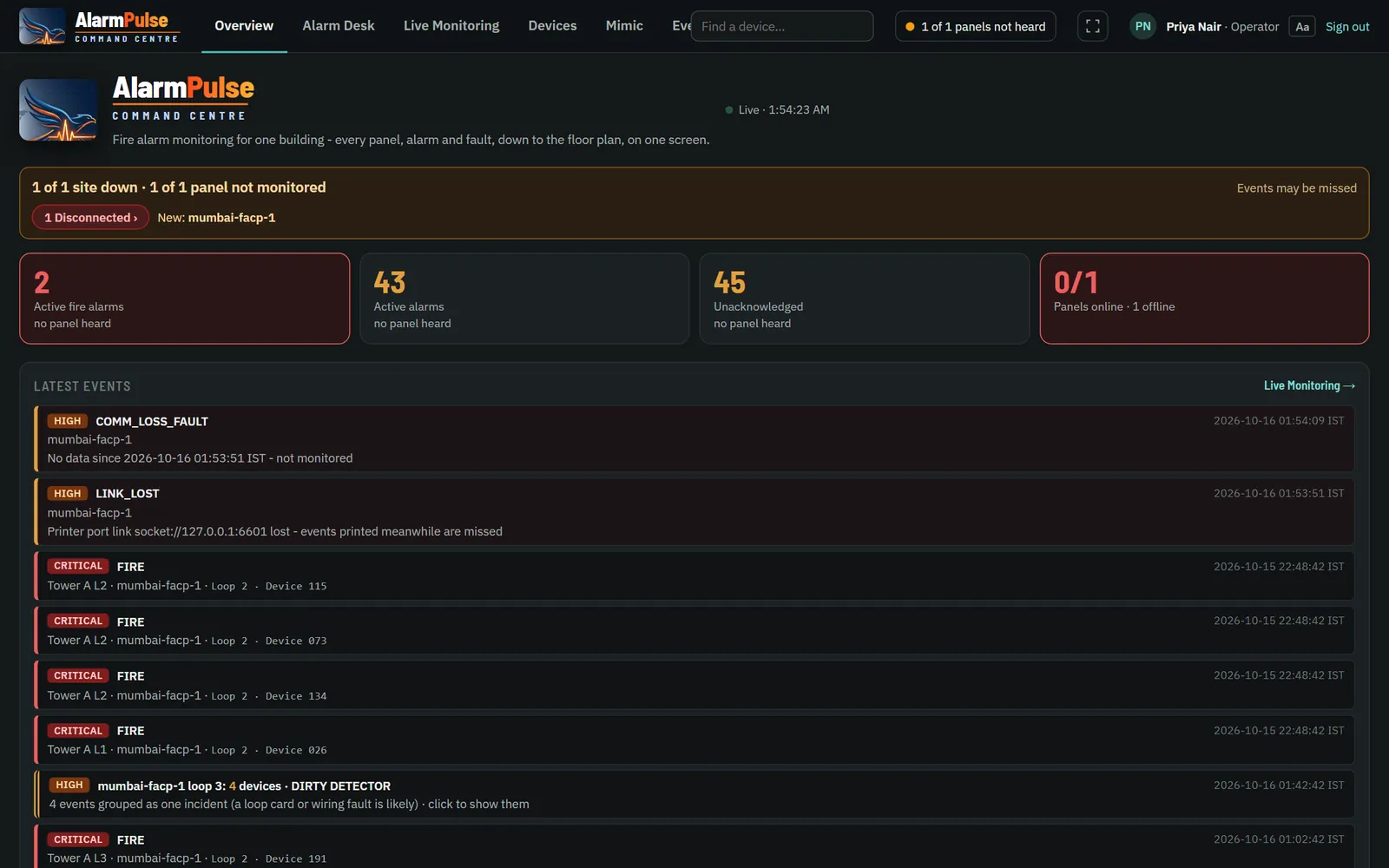
A panel whose link is down looks exactly like a quiet panel, unless the software says so. AlarmPulse names every panel it cannot hear, on every screen, and never says "all clear" while one is missing.
- Every outage is an event: when a link drops, when it comes back, and the gap in between.
- Counts always say "from 9 of 11 panels heard" when one is silent.
- Site agents store events through an outage and resend them in order, each stored once.
Five ways in. Nothing to replace.
AlarmPulse reads each fire alarm panel through the interface it already has. A new event format is added as a driver, without changing the rest of AlarmPulse.
Loop protocol
Two-way: every device's state and analogue value, with panel commands where licensed.
Printer / event port
Serial or IP: alarms, faults, restores and device text.
Modbus TCP
Zones and loop devices by register polling, over LAN, VPN or site agent.
Alarm transmitter
GB/T 26875.3 over TCP, with full event decoding and acknowledgement.
Relay contacts
Common fire and common fault, for any panel at all.
From one guard-house PC to a national monitoring centre
One site, one PC
One site and its licensed panels on one Windows PC, with full graphics.
- Starts with Windows, restarts itself
- Needs no internet
- Nothing else to install
Every site, one server
Any number of sites on one Linux server or cloud machine.
- World map, cross-site event feed, site groups
- PostgreSQL with TimescaleDB, MQTT with TLS
- HTTPS with an automatic certificate
Every feature, no single point
For large estates and monitoring centres.
- Every interface and option included
- Standby server with a live copy
- Takes over in about 15 seconds
See AlarmPulse on your own panels
Ask for a live demonstration with your site's floor plans and panels.
Scope of use. AlarmPulse is ancillary monitoring and building-systems integration software. It does not replace the fire alarm control panel: detection, alarm signalling, sounder control and evacuation remain with the panel and its approved installation.